
Api
How to Fetch Data Another Next.Js Website to Another Website using Api key
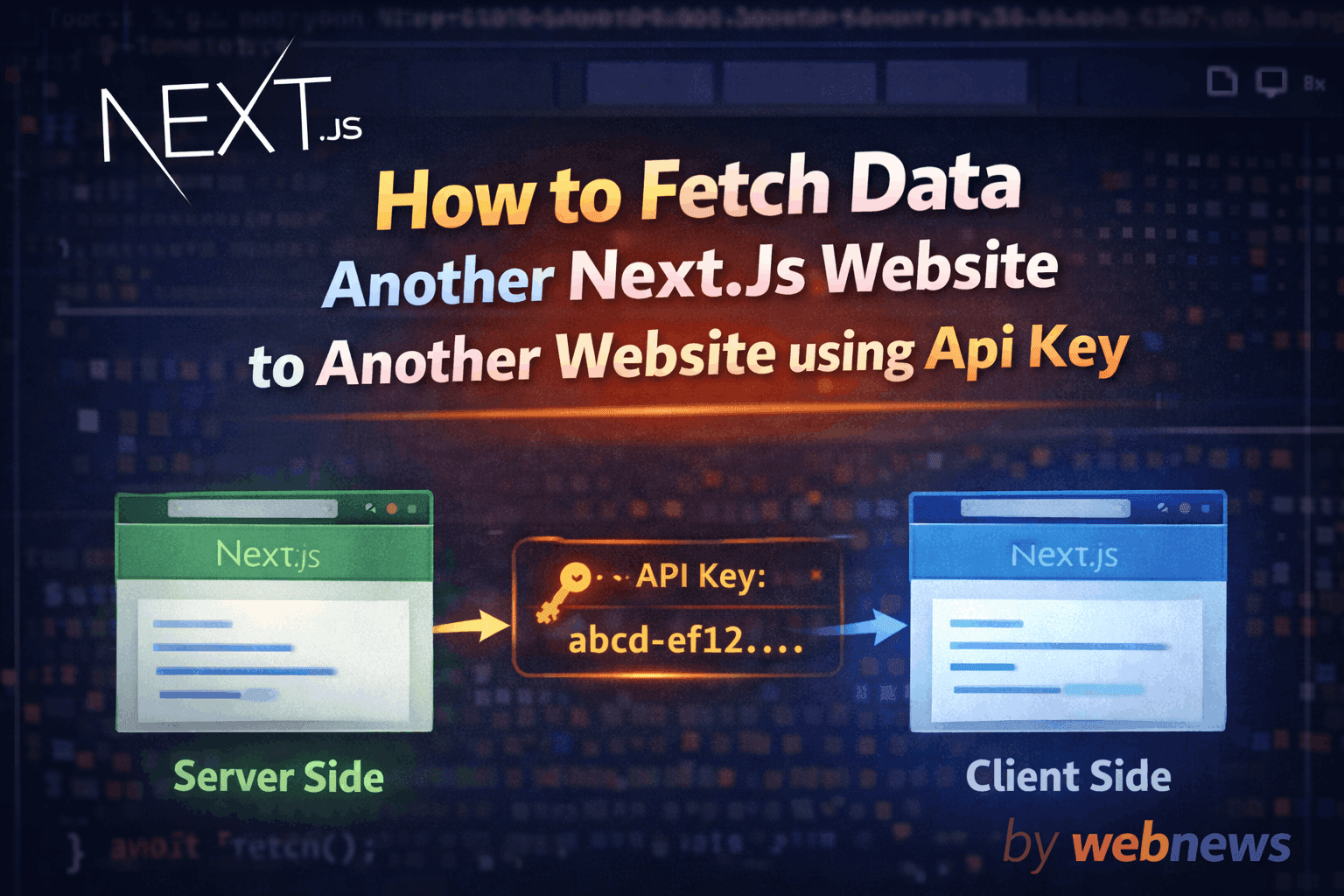
Table Of Content
Headings: 2 (H2: 2, H3: 0)
heyy Developers today i tech you how to fetch data another website to another site using next js Server side to client Side. so first understand Why use Server side or client side if you think i use only client side yea server side. But there is a problem
- Client Side is not secure or not fast becuse they liks api key or it's run fast load the browser and then run fetch function so it's to lazy.
- Server Side are secure no lick api key or it's to fast becuse they run fast fucntion then load the browser.
Some esay step i show you How to work for iteract another to another website and share the data
Step 1 (use sender website who already create a api so send to data which website get the data )#
like i called server website on use Server side on Next.Js using api route like(api/sharedapi/route.js)
here is the code -
codeimport { NextResponse } from "next/server"; import ConnectDb from "@/src/lib/mongoose"; import Post from "@/src/models/Post"; export async function GET(req) { try { const apiKey = req.headers.get("x-api-key"); const BLOG_SHARED_API_KEY ="your_api_key" if (!apiKey) { return NextResponse.json({ error: "Missing API key" }, { status: 400 }); } if (apiKey !== BLOG_SHARED_API_KEY) { return NextResponse.json({ error: "Invalid API key" }, { status: 401 }); } await ConnectDb(); const post = await Post.find() .sort({ createdAt: -1 }) .select("title slug content createdAt author image"); if (!post) { return NextResponse.json({ error: "No post found" }, { status: 404 }); } return NextResponse.json({ post }); } catch (err) { console.error("Shared API error:", err); return NextResponse.json({ error: "Server error" }, { status: 500 }); } }
use you secret api key to match reciver secret key and share the data
Step 2 (Use which website get the data to api key) This website use a proxy api to use server side to secure api key#
first use server side code - here is the code - with this location (api/blogproxy/route.js)
codeimport { NextResponse } from "next/server"; export async function GET() { const apiKey = "your_api_key"; try { const res = await fetch( "https://webnews-psi.vercel.app/api/sharedapi", { headers: { "x-api-key": apiKey, }, next: { revalidate: 600 }, // cache 10 minutes } ); if (!res.ok) { throw new Error("Blog API failed"); } const data = await res.json(); return NextResponse.json(data); } catch (err) { console.error("Proxy error:", err); return NextResponse.json( { error: "Failed to fetch blogs" }, { status: 500 } ); } }
and use Client side code - here is the code - or folder (app/blogpage/page.js)
code//use for get the data // "use client"; import React, { useEffect, useState } from "react"; import Image from "next/image"; export default function BlogPage() { const [posts, setPosts] = useState([]); useEffect(() => { async function fetchPosts() { try { const response = await fetch("/api/blogproxy"); if (!response.ok) { console.error("API Error:", response.status); return; } const data = await response.json(); setPosts(data.post); // ✅ correct key } catch (error) { console.error("Error fetching blog posts:", error); } } fetchPosts(); }, []);
ok byyy if you learn any thing so share the blog